User Management for Real-Time Sensor Monitoring
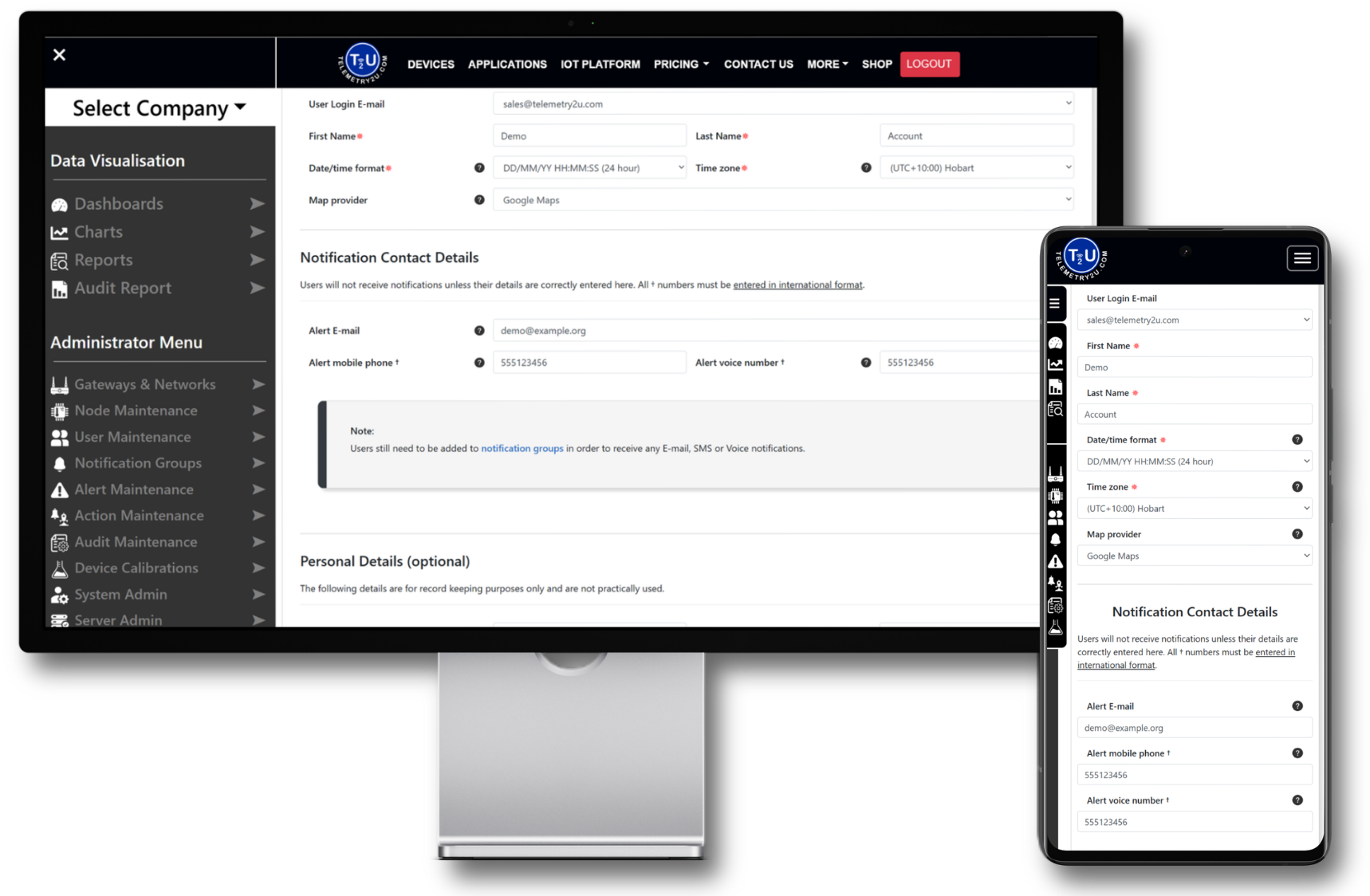
Control who can access your connected devices, dashboards and data across the Telemetry2U IoT platform. Configure permissions per user, restrict node access, and manage account security from a single central interface.
Manage Access Across Devices and Data
Control user permissions, restrict node visibility, and assign feature access with precision. Telemetry2U gives administrators structured oversight without limiting flexibility.
Structured Access Without Role Templates
Telemetry2U uses fully configurable permissions rather than fixed role templates. Administrators can control what each user can do, and exactly which nodes they can access, from one central access control screen.
Central User Index
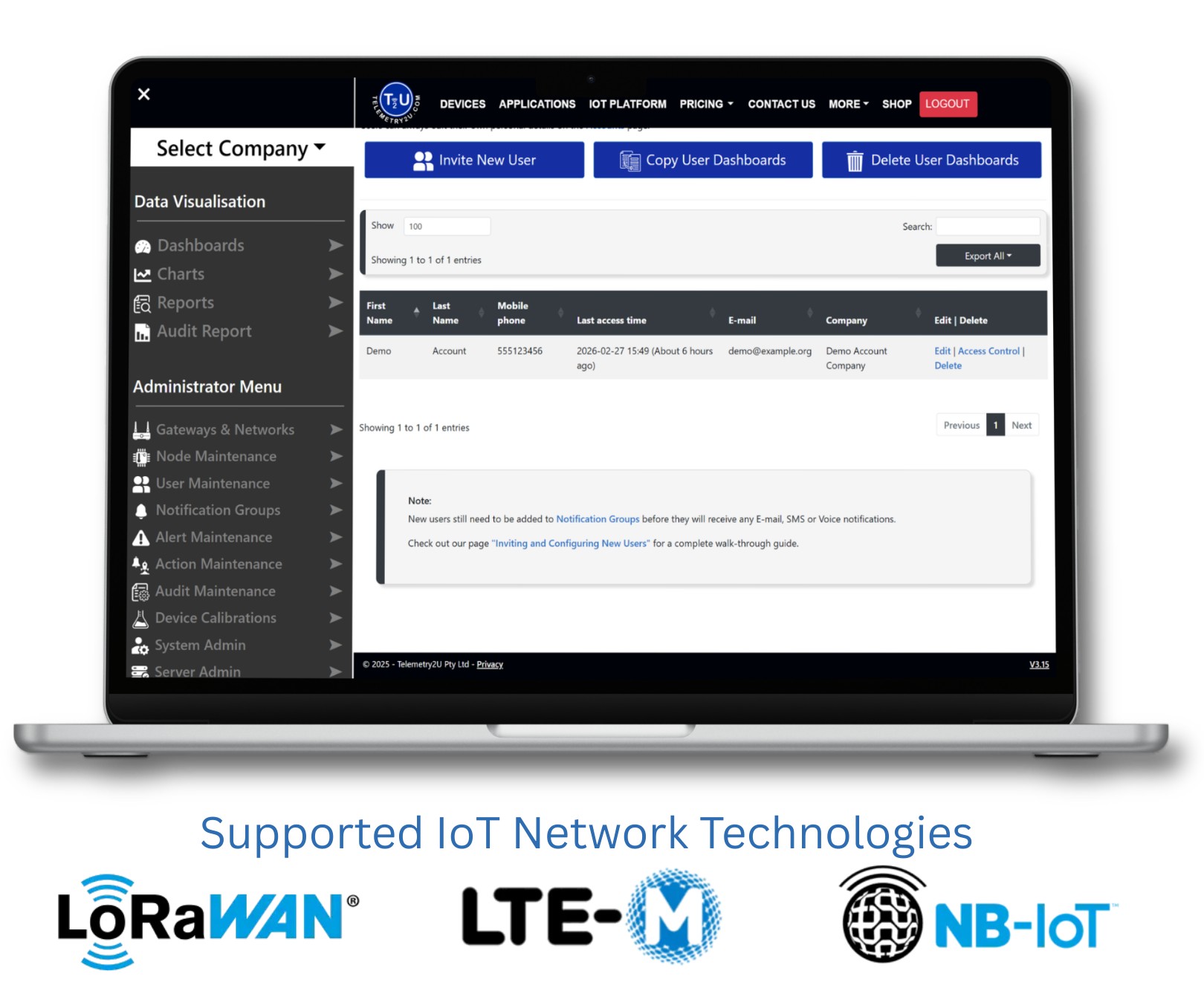
View every user on the account and quickly manage invitations, access control, and contact details.
Permission Based Access
Enable or restrict platform functions such as dashboards, alerts, gateways, audits, actions, raw data, and administration tools.
Node Level Visibility
Allow access to all nodes or assign specific nodes per user for contractors, sites, or restricted operational access.
Need Step-by-Step Instructions?
For detailed guidance on inviting users, configuring access controls and restricting node visibility, refer to the documentation below.