IoT How-To Guides and Technical Bulletins

Find practical Telemetry2U instructions for account setup, alerts, automation, LoRaWAN gateways, LTE-M and NB-IoT devices, sensor installation and third-party network integrations.

From Initial Setup to Field Configuration

Each guide focuses on a defined task and includes the relevant prerequisites, configuration steps and expected result. Use the categories below to move directly to the type of help you need.


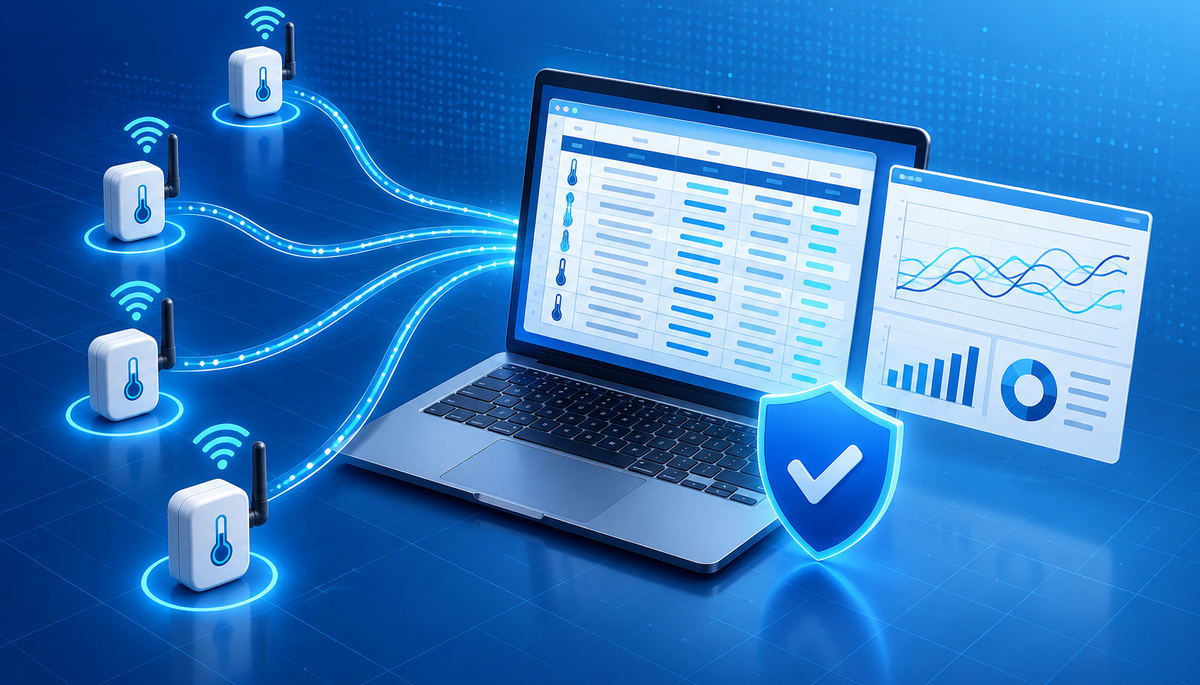
Telemetry2U technical guides for IoT platform, network and device configuration

Technical Guidance for the Complete IoT Deployment

LoRaWAN, LTE-M and NB-IoT connectivity technologies supported by Telemetry2U

These guides cover the practical work around a Telemetry2U deployment: selecting LoRaWAN, LTE-M or NB-IoT, configuring gateways and devices, installing sensors, managing users and records, and building alert or automation workflows. For broader product capabilities, see the Telemetry2U platform features.

Getting Started with Telemetry2U

Create an account, install the platform as an app, manage user access and understand the network terminology used throughout Telemetry2U deployments.
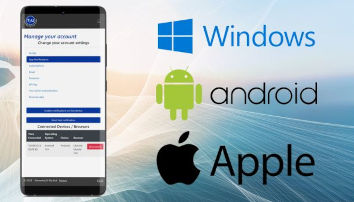

Install the Telemetry2U App

Telemetry2U Progressive Web App installed on a smartphone home screen
Install the Telemetry2U Progressive Web App on Android, iPhone, iPad or desktop for direct access and supported notifications.

Invite and Manage Users

Telemetry2U user-management screen for inviting users and assigning access
Invite additional users, assign the appropriate account access and configure who receives monitoring alerts.

Platform Configuration, Alerts and Automation

Configure device data, user-facing records, alerts and automated control workflows after devices have been connected to the platform.
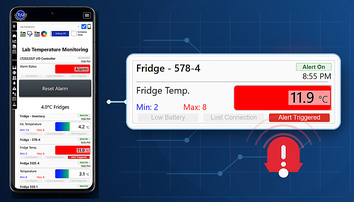

Annotate Alert Events

Telemetry2U alert event with an annotation added for traceability
Add investigation notes and corrective-action records to alert events displayed in Telemetry2U reports and charts.

Integrate with the Telemetry2U API

Secure API integration represented by a laptop, cloud connection and API key
Create an API key, authenticate REST requests and retrieve Telemetry2U node data for external software, reporting and analysis.

Automate Devices from Alerts

Telemetry2U automation sending a LoRaWAN downlink command after an alert condition
Use alert conditions to trigger approved downlink commands, including the example of controlling power from a soil-moisture threshold.

Configure Voice Call Alerts

Telemetry2U voice-call notification settings for critical monitoring alerts
Set up acknowledged voice-call escalation for critical events and nominate the users contacted after hours.

Manage Alert Groups

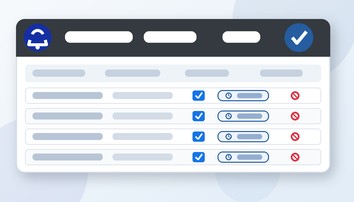
Alert condition controls for enabling, snoozing and deleting Telemetry2U alerts
Enable or disable complete alert groups, manage individual conditions, apply timed snoozes and remove obsolete conditions.

Create a Temporary User Account

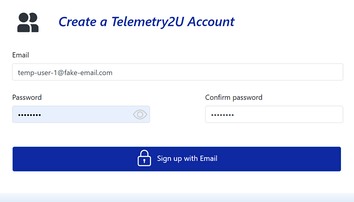
Telemetry2U temporary user account registration screen with a placeholder login and password fields
Create an administrator-managed temporary login using a placeholder email, then assign only the required roles and node access.

LoRaWAN, LTE-M, NB-IoT and Gateway Guides

Select an appropriate wireless network, configure gateways and connect Telemetry2U to supported LoRaWAN network servers.
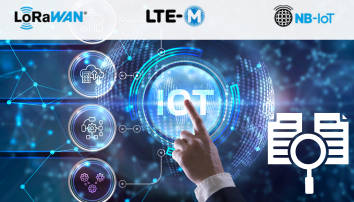
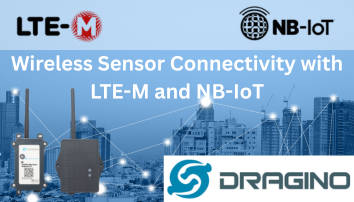
Compare LoRaWAN, LTE-M and NB-IoT

Comparison of LoRaWAN, LTE-M and NB-IoT connectivity for IoT deployments
Compare coverage, gateways, power use, mobility and deployment considerations before selecting an IoT network.

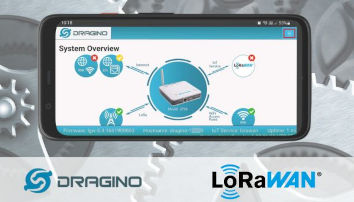
Configure Gateway Networking

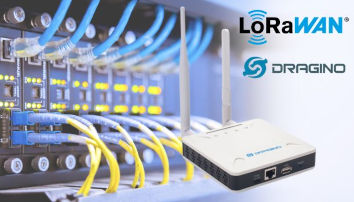
Dragino LoRaWAN gateway network, firewall and radio configuration interface
Configure network access, firewall requirements, passwords and LoRa settings for a Dragino gateway connected to Telemetry2U.

Device Integration, Installation and Field Setup

Connect supported sensors, configure cellular devices and complete practical installation tasks for temperature and remote monitoring deployments.

Connect to Dragino by Bluetooth

Serial Bluetooth Terminal connected to a Dragino device on Android
Use Serial Bluetooth Terminal on Android to connect to a compatible Dragino device for field configuration and diagnostics.

Integrate the Senzemo SMC30

Senzemo SMC30 sensor connected to the Telemetry2U LoRaWAN platform
Register and connect a Senzemo SMC30 sensor through the integrated Telemetry2U LoRaWAN network and application server.

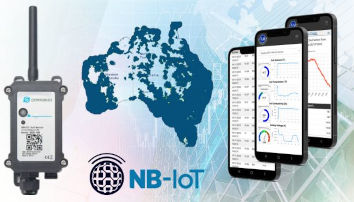
Integrate Dragino LTE-M and NB-IoT

Dragino LTE-M and NB-IoT sensor configured for the Telemetry2U platform
Configure supported Dragino cellular devices, SIM connectivity and Telemetry2U server settings for LTE-M or NB-IoT deployments.

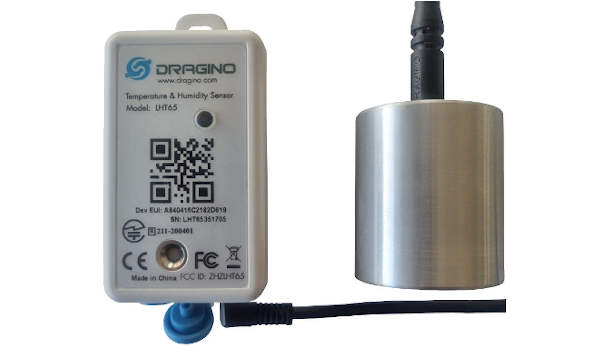
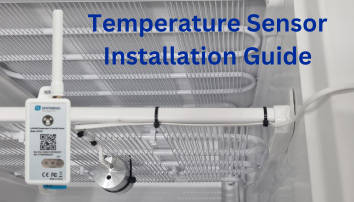
Install Fridge and Freezer Sensors

Temperature probe cable installed through a fridge seal with the wireless node mounted outside
Position the probe, route the cable through the door seal and mount the wireless node for reliable fridge or freezer monitoring.

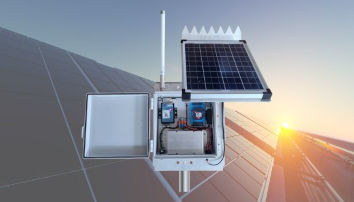
Assemble a Solar Sensor Kit

Pole-mount solar sensor interface kit prepared for remote IoT installation
Assemble the pole-mount solar enclosure, panel and sensor interface for a remote LoRaWAN or cellular installation.
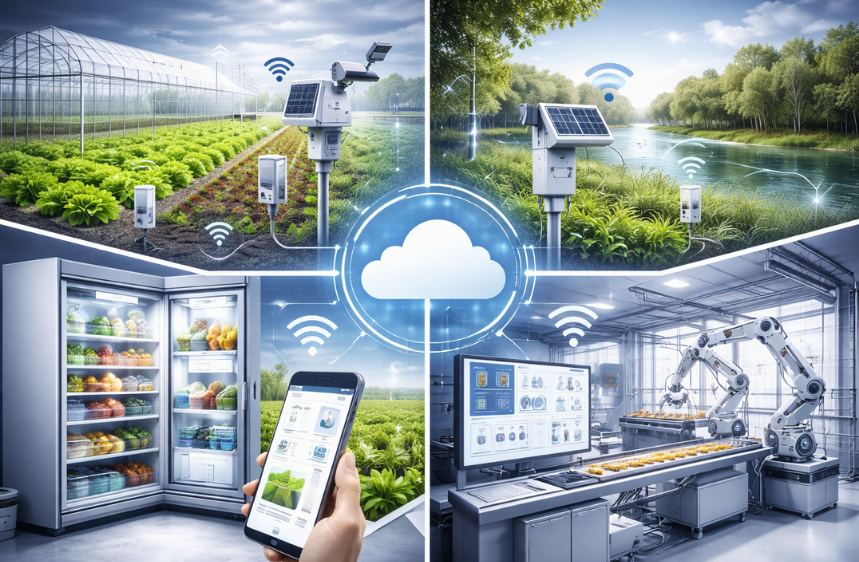
IoT sensors, gateways and monitoring applications connected to the Telemetry2U platform

Plan, Configure and Support a Reliable IoT Deployment

Use the full platform documentation for detailed feature guidance, or browse the application library to see how Telemetry2U is used across temperature, water, agriculture, asset tracking, energy and remote-control projects. Contact Telemetry2U when a device, network or equipment interface requires a project-specific integration review.